







How Do You Choose a MacBook Sleeve That Fits?
Compatibility is the first thing to check. A sleeve that is too small may squeeze the corners or be difficult to close. One that is too large allows the computer to move around inside. Look for a close fit that lets you slide your MacBook in easily.
Identify Your MacBook Air or MacBook Pro Model
Start by finding your computer's exact model. On your Mac, open the Apple menu and select “About This Mac.” You can identify the product line and model before checking its specifications. Apple also lists physical dimensions in its MacBook specifications.
This step keeps you from relying only on descriptions such as “13-inch MacBook Air” or “14-inch MacBook Pro.” Those inches refer to the screen's diagonal, not the length, width, or thickness of the closed computer. They are a starting point when looking for a MacBook Air or MacBook Pro sleeve, but they do not confirm that it will fit your device.
If you are unsure which of several similar models you own, check the Mac itself rather than relying on your memory of the screen size. You can then compare precise measurements with those of the sleeve.

Compare Your Mac's Measurements With the Sleeve's Interior Dimensions
Find the length, width, and thickness of your closed MacBook. Compare all three with the interior dimensions listed on the product page. Exterior dimensions tell you how much space the sleeve takes up in your bag; they do not tell you how much room there is for the computer. That is why “fits 14-inch laptops” alone is not enough.
A properly sized sleeve gives you enough room to put the Mac in and take it out without forcing it. Account for the lining and padding, which take up some of the interior space. Make sure the closure also moves freely once the computer is inside. If the fabric stretches over the corners or you need to tug the zipper closed, the sleeve is probably too tight.
On the product page, check the following:
-
The sleeve's interior length, width, and thickness, if specified.
-
Whether a lining or padding reduces the available space.
-
The shape of the opening: can you insert the Mac without catching its corners?
-
Whether the sleeve closes without putting pressure on the computer.
If interior dimensions are not listed, ask the seller before ordering. This is especially useful for a thick or closely fitted sleeve.
Which Material Should You Choose for a MacBook Sleeve?
The material affects how the sleeve feels, how flexible it is, how you care for it, and how it responds to moisture. Material alone does not establish how protective it is: you also need to look at its construction, particularly the padding and lining.
Cotton: Pleasant to Handle, but Check the Padding
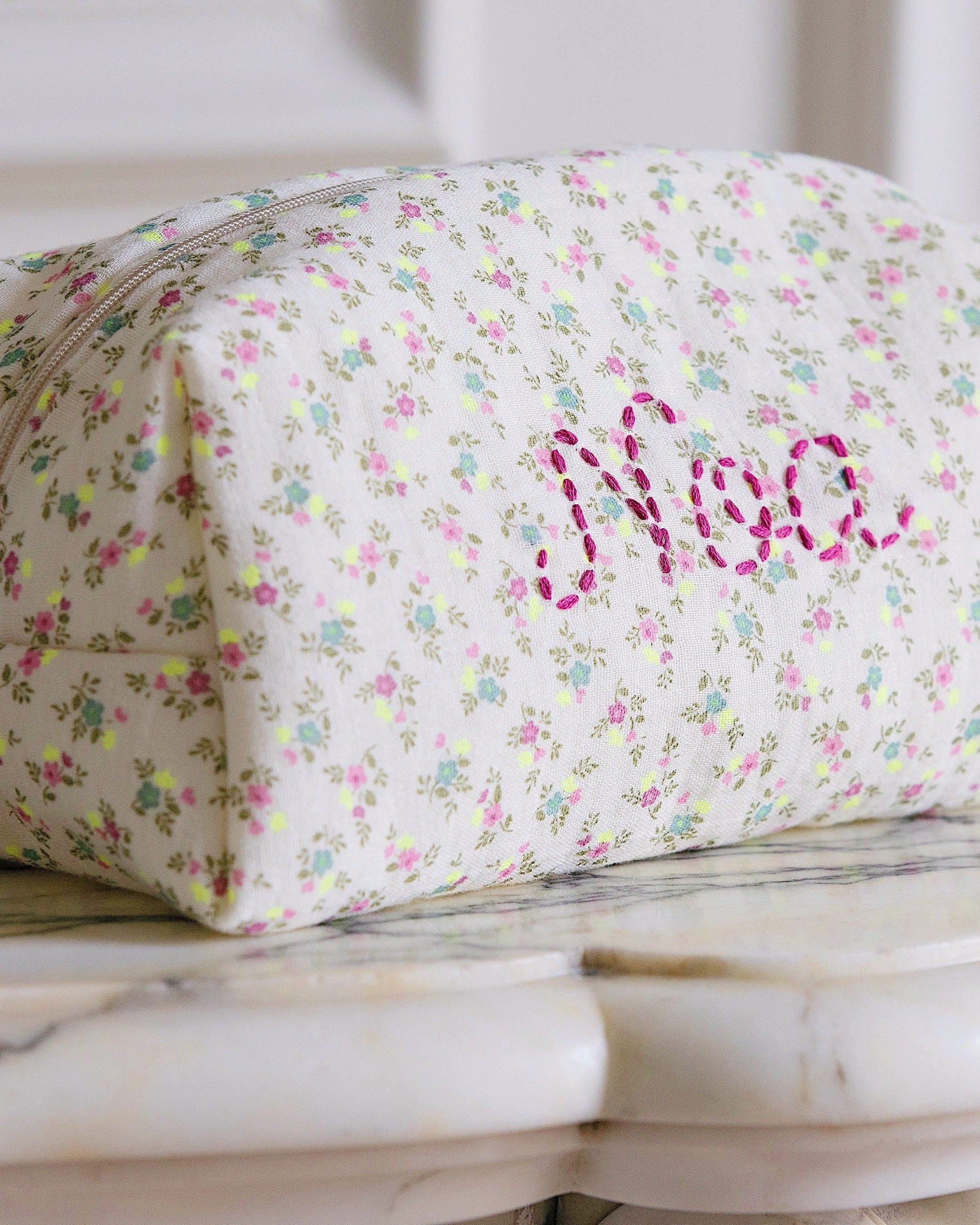
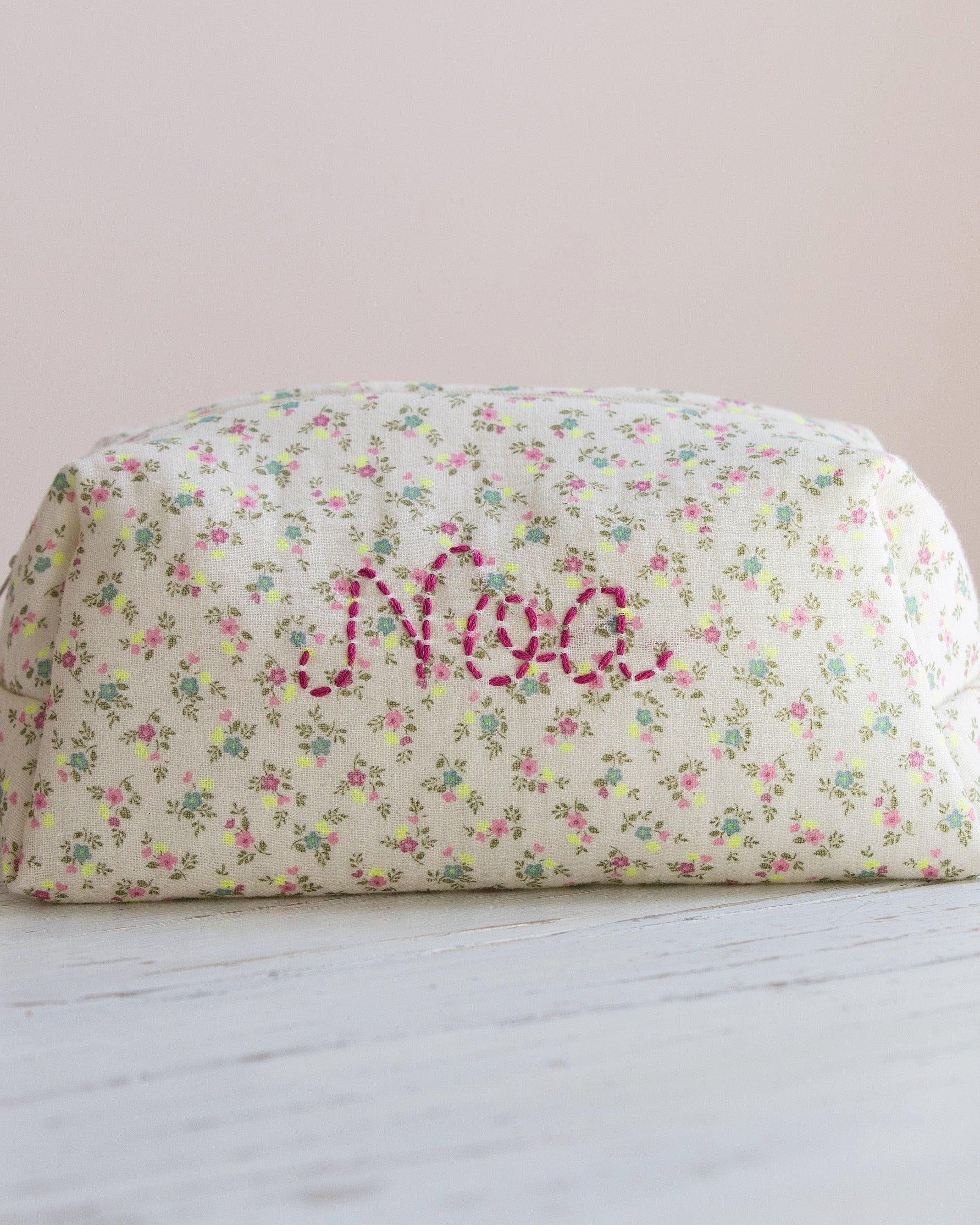
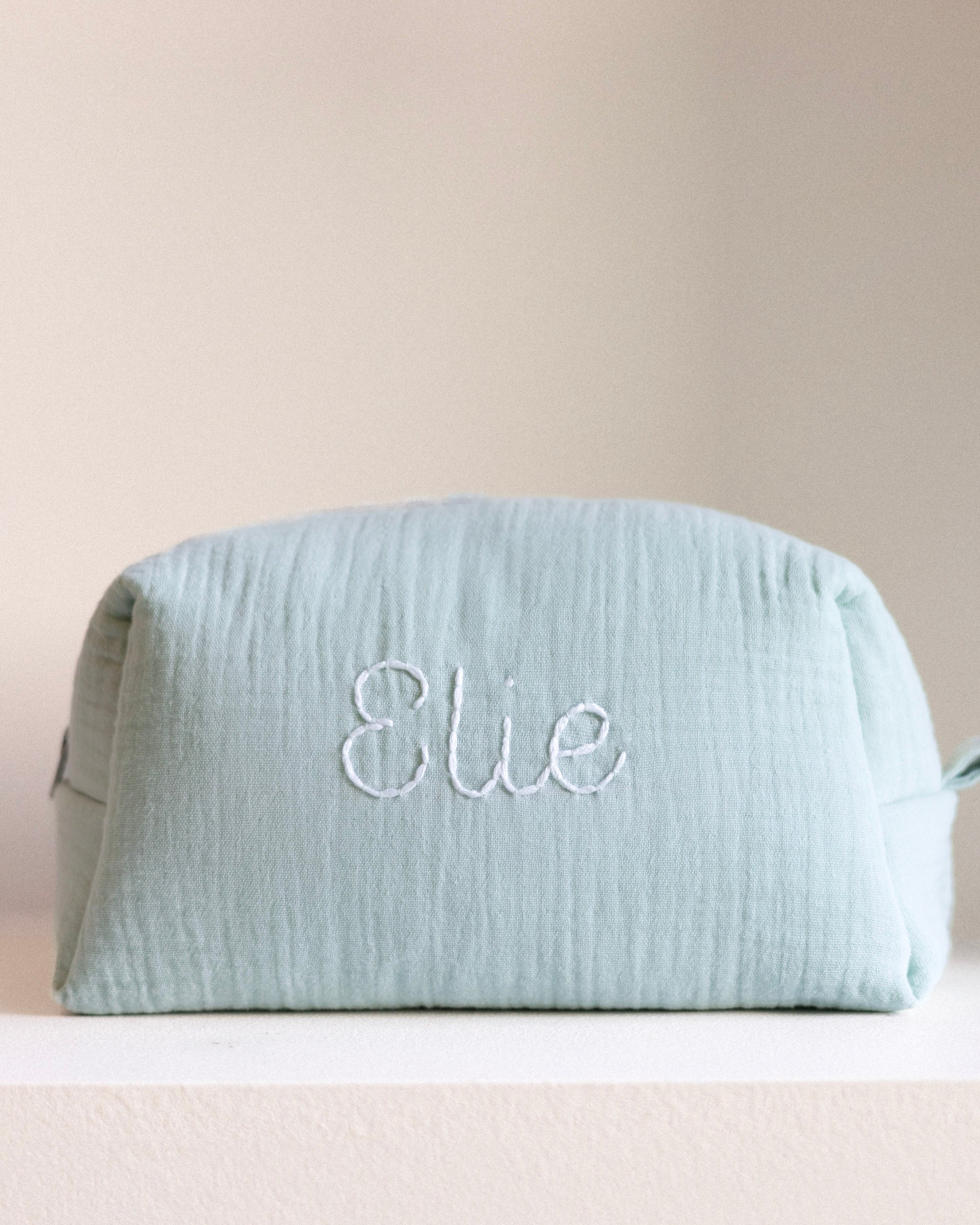
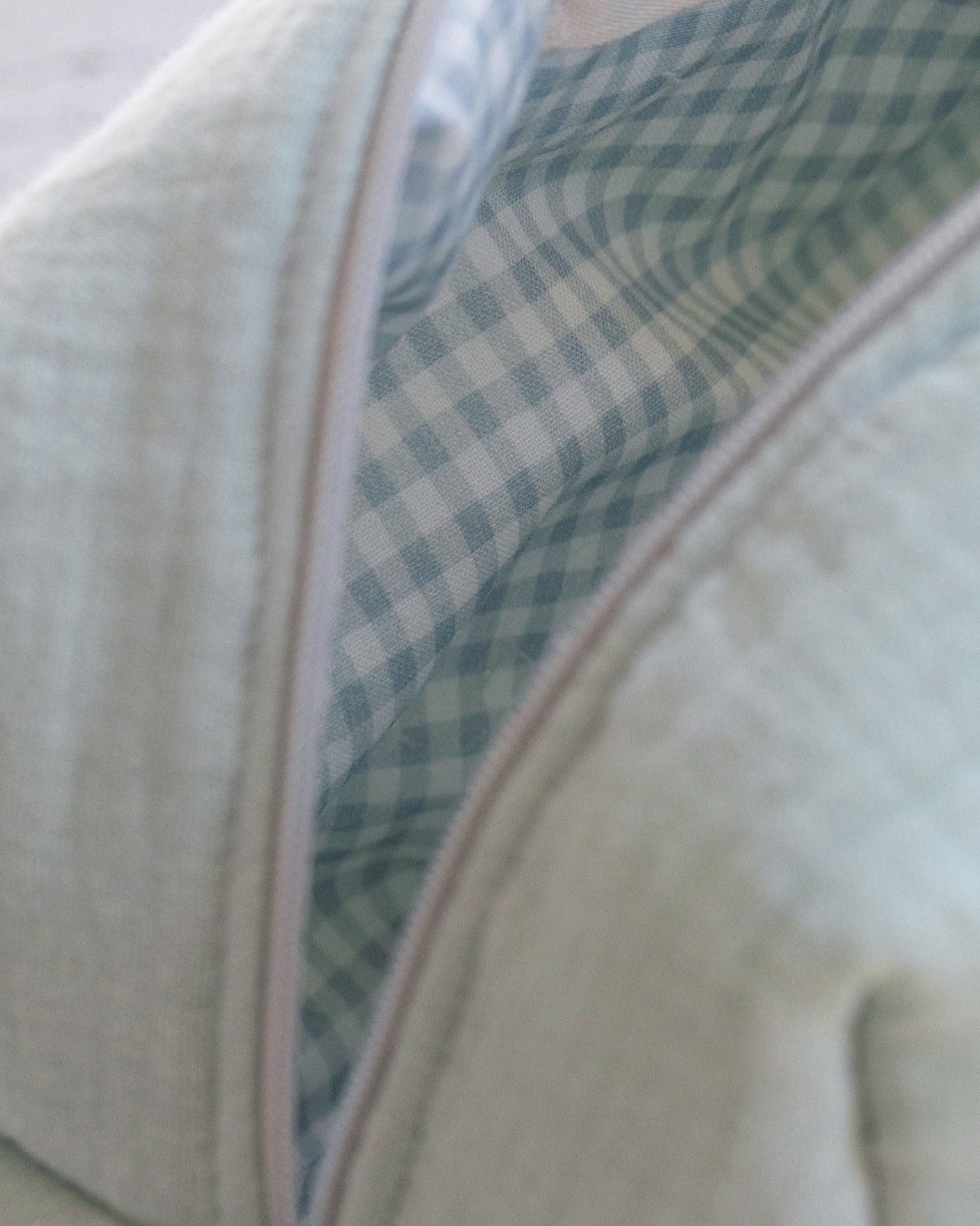
A cotton laptop sleeve has a soft feel and a textile look. It can help keep your Mac away from minor friction when packed alongside other belongings. A single layer of cotton mainly protects the computer's surface, however; it does little to cushion a bump.
For everyday use, check whether the sleeve is quilted. A layer of padding between the outer fabric and lining provides more protection. Look at the overall construction as well: a quilted sleeve can still be flexible, but it should cover the Mac's faces and edges without leaving the corners especially exposed.
Cotton can work well when your MacBook goes into a bag that offers some protection of its own, such as one with a dedicated compartment. In that case, the sleeve mainly limits scratches and contact with other objects. If you often carry the computer on its own, in a very full bag, or among rigid items, choose more substantial padding.
Consider cleaning, too. A cotton sleeve used daily may pick up dirt from hands, desks, or the inside of a bag. Read the manufacturer's care instructions before washing it: its padding and finishes may require different care from ordinary cotton fabric.

Neoprene, Water-Resistant Canvas, or Leather: Which Is Best?
Neoprene is flexible and generally conforms closely to the computer. Water-resistant canvas may help during a brief walk in light rain. Leather holds its shape and has a more polished look, but requires more attentive care. Whatever the material, check the lining, stitching, and quality of the closure.
|
Material |
Main advantage |
Limitation to consider |
Recommended use |
|
Quilted cotton |
Pleasant feel and protection from friction; cushioning depends on the padding |
Untreated outer cotton absorbs moisture |
Mac carried in a protective bag; less exposed trips |
|
Neoprene |
Flexibility and a close fit around the computer |
Corner protection and cushioning vary with thickness and construction |
Compact sleeve placed inside a bag |
|
Water-resistant canvas |
Handles brief exposure to water better |
Protection also depends on seams, opening, and closure |
Trips where short rain showers are possible |
|
Leather |
Holds its shape and can last with proper care |
Requires specific care; leather does not replace padding |
Careful transport when appearance and structure matter |
A water-resistant sleeve is not necessarily waterproof. In prolonged rain, water may enter through a seam or closure. If you often travel in wet weather, check the product's exact specifications and use a bag that provides additional protection.
How Do You Choose a MacBook Sleeve That Really Protects It?
Not all sleeves serve the same purpose. A thin sleeve may be enough to prevent scratches at home or in a well-separated compartment. For daily travel, consider how well it limits the effects of small bumps and pressure inside your bag.
Check the Padding, Lining, and Corners
When assessing protection, distinguish friction from impacts. A soft lining helps protect the Mac's surface as you slide it into the sleeve. Padding across both faces and sides adds protection when the bag is set down or bumps into something.
None of these features guarantees that a computer will survive a fall, but they make a real difference to how you can use the sleeve.
Pay particular attention to the corners. They may touch the bottom of your bag or take a hit when you set your computer down. A sleeve whose corners are protected as well as its faces is preferable to one that is thick in the middle but has almost no padding along the edges.
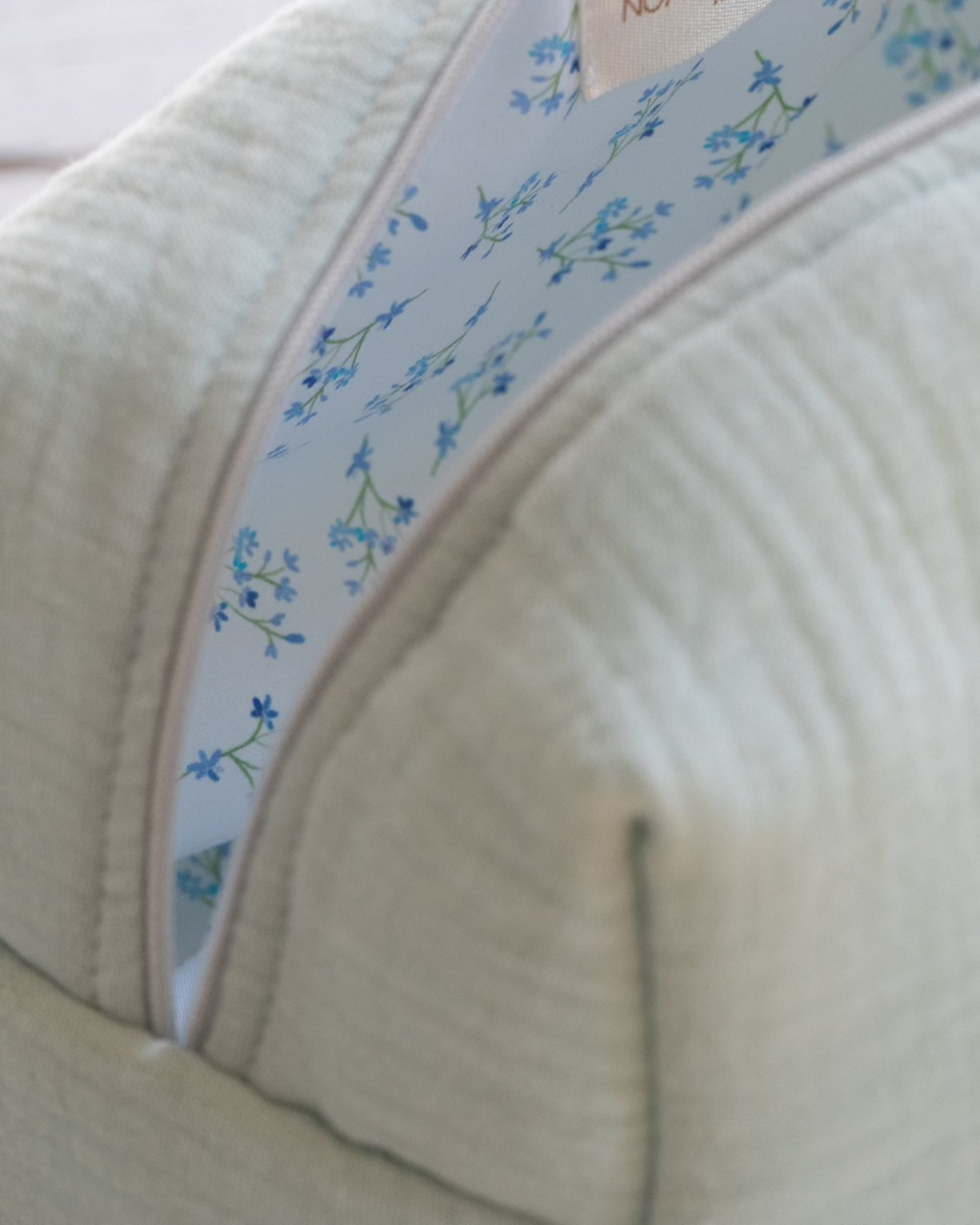
The lining deserves attention too. It should be clean, soft to the touch, and securely attached, with no thick seam rubbing directly against the computer. If you can see the sleeve in a store, run your hand inside it and check that the padding is even. Online, look for photos of the interior and views showing the thickness of the sides.

Examine the Closure and Accessory Pockets
A zipper makes it easy to access your Mac, but metal or rigid parts should not rub against it. A fabric flap between the zipper and the Mac reduces this risk. Think about everyday use as well: is the opening wide enough to remove the computer easily without catching its corners?
An outer pocket can hold a cable, a small adapter, or a few documents. Check one simple thing, though: when filled, does its contents press against the Mac? A bulky charger beside the computer can create pressure in one spot, especially when the bag is tightly packed or beneath other belongings. In that case, keep the charger in a separate compartment.
The right closure also depends on how you use the sleeve. A flap or button may be suitable if it stays inside a closed bag. If you often carry it by hand, look for a closure that securely holds the computer while remaining easy to use.
Which MacBook Sleeve Suits the Way You Travel?
The right sleeve depends as much on your trip as on your computer. A sleeve placed inside a bag serves a different role from one carried alone. In the first case, the bag can provide storage and extra protection; in the second, the sleeve has to do more on its own.
That distinction between a sleeve and a laptop bag helps you choose the right equipment. Adapt your choice as follows:
-
Mac inside a bag: choose a close-fitting sleeve with a soft lining and padding appropriate to what else is in the bag. A quilted cotton sleeve can work if the Mac also has a protective compartment and other objects do not compress it.
-
Sleeve carried alone: look for more padding on the faces and corners, a dependable closure, and a comfortable way to carry it. If you need a charger, documents, and several accessories, a laptop bag with separate compartments may be more convenient.
-
Frequent trips in the rain: examine the outer material as well as the seams and opening. Water-resistant canvas can help during brief exposure; for sustained rain, carry the Mac in a bag suited to those conditions.
Think about the actions you repeat throughout the day. If you take your computer out several times, an easy opening may matter as much as an extra pocket. If you regularly switch bags, check that the sleeve's exterior dimensions allow you to move it between them without squeezing it in.
Finally, if you travel with many belongings, make sure nothing heavy or rigid puts constant pressure on the Mac.
What Should You Check Before Buying a MacBook Sleeve?
Before deciding between two styles, review the criteria in the same order: size, protection, then suitability for your travel routine. This checklist helps you spot missing information on a product page:
-
Exact model: have you identified your MacBook Air or MacBook Pro?
-
Interior dimensions: are the length, width, and thickness sufficient?
-
Insertion: can you slide the Mac in and out without forcing its corners?
-
Padding: does it cover both faces, edges, and corners to the degree you need?
-
Lining: is the interior soft and properly finished?
-
Closure: does it close easily, with fabric separating it from the Mac?
-
Material: does it suit how often you use the sleeve and how much moisture it may encounter?
-
Accessories: is there room for them without putting pressure on the computer?
To choose a sleeve that fits your Mac, always start by comparing the MacBook's dimensions with the sleeve's interior measurements. Then match the level of protection to the way you carry it. A quilted cotton sleeve can be a good choice for a computer kept inside a protective bag.
More exposed trips, a heavily packed bag, or frequent rain call for stronger protection and particular attention to the closure, corners, and outer material.
To find a style suited to your Mac and your travels, discover Cajou Paris laptop sleeves, made from cotton and embroidered by hand. Compare each style's dimensions with your computer before choosing.